Device Manager
Configure, monitor and update a Smart Meter Modbus Adapter over USB.
The Device Manager is the local configuration and control interface for firmware v2 and v3. It communicates directly with the adapter through USB-C. Configuration data remains local between the browser and the connected device; the adapter has no built-in network web interface.

Connect
Connect the adapter to the computer through USB-C.
Open the Device Manager.
Select Connect.
Choose the adapter from the browser dialog.
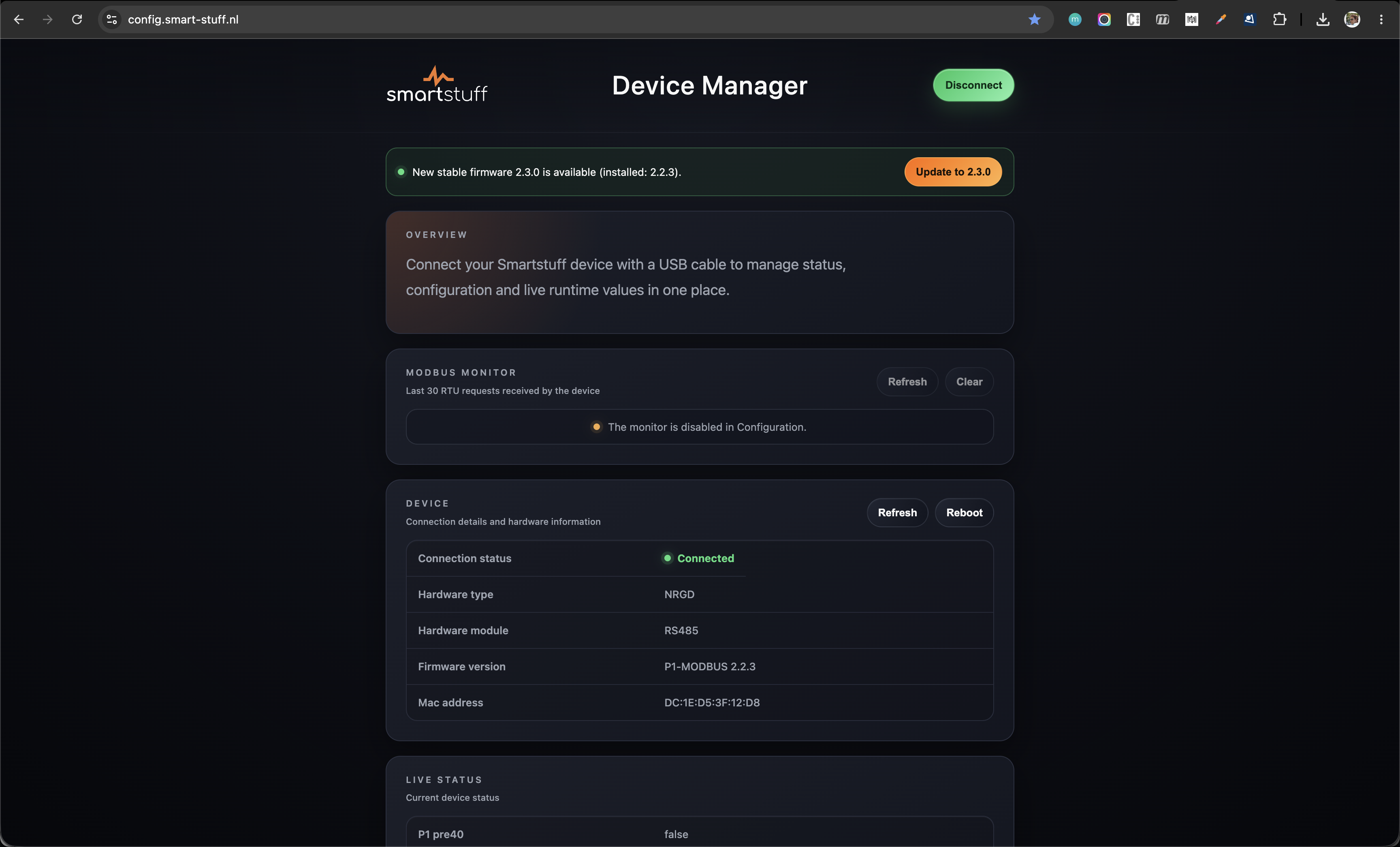
The overview shows the hardware type, installed firmware version, connection state and live smart-meter status.
Subnavigation
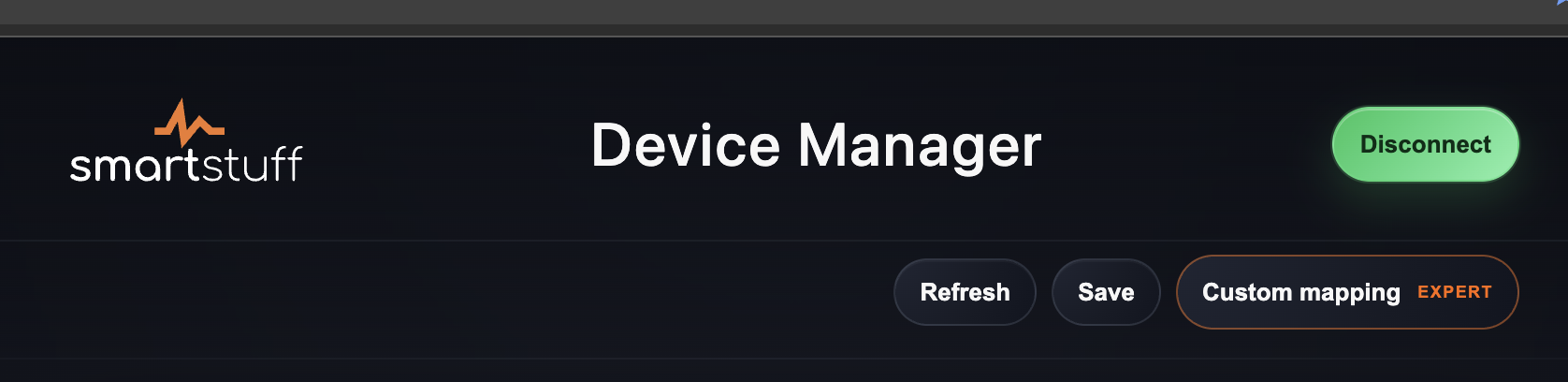
Once connected, the Device Manager shows a secondary navigation bar with Refresh and Save. Refresh reads the current device state again; Save stores changed configuration values.
With compatible firmware v3, the same bar also shows Custom mapping · Expert. This opens the separate custom-mapper screen. Firmware v2 deliberately shows only Refresh and Save: it does not support custom mappings.

Device control
The Device Manager is used to:
View device, firmware and hardware information
Configure the active Modbus mapping and serial communication
Select the smart meter source on compatible hardware
Monitor recent Modbus requests
Reboot the adapter
Check for and install firmware v2 updates
Copy diagnostic system information for support
With firmware v3: create, import, export and activate a custom Modbus mapping
Configuration
Depending on the connected hardware, the following settings are available. See Configuration for the applicability matrix and detailed guidance.
Smart-meter source: DSMR/P1 or HAN-NVE
Modbus mapping
Modbus device ID
Baud rate
Serial format
RS485 termination
Modbus monitor
RGB LED brightness, on hardware variants with an RGB status LED
Changed rows are marked in the interface. Select Save to store the changed values on the adapter.
The mapping, device ID, baud rate and serial format are independent settings. Selecting another mapping changes the exposed register model only; it does not automatically change the communication settings.
LED indicators
The Device Manager can change the RGB LED brightness on supported hardware. See Configuration for applicability and LED indicators for status meanings.
Modbus monitor
The monitor displays the 30 most recent Modbus RTU requests received by the adapter, including device ID, function code, address, word count and result. It can be enabled in Configuration and is intended for commissioning and troubleshooting, not permanent logging.
Firmware v2 update
When a newer stable firmware v2 version is available, the Device Manager displays an update notification. The existing USB connection is handed to the firmware updater, so the adapter does not need to be selected a second time. Firmware v3 Alpha is currently installed through the web installer, not through this screen.
The update does not erase the stored user configuration. After a successful update, the Device Manager reconnects automatically.
Last updated